
Launch checklist
If you've followed the Getting Started articles, you're in good shape. This checklist helps you confirm that nothing got missed in your first week and gives you a framework for building momentum.
Day 1: Create and invite
On your first day, focus on getting live.
- Create at least one interview.
- Record or write your intro and outro.
- Invite your first batch of candidates.
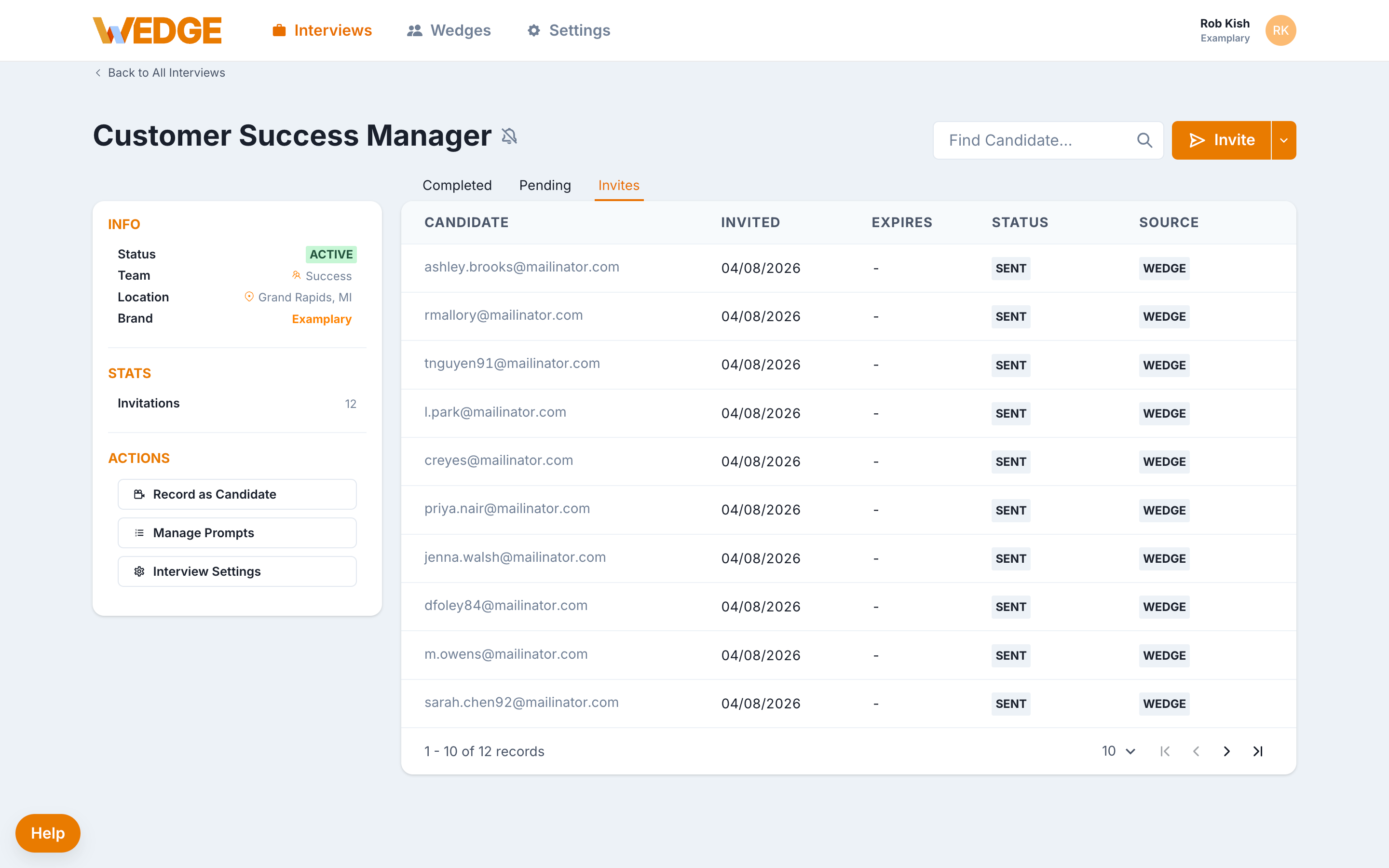
- Confirm invites are being delivered (check the Invites tab for "Sent" status).
This is the most important activation step. Once invites go out, everything else follows.
Day 2 to 3: Review and share
As candidates start responding:
- Review your first completed interviews within 24 to 48 hours.
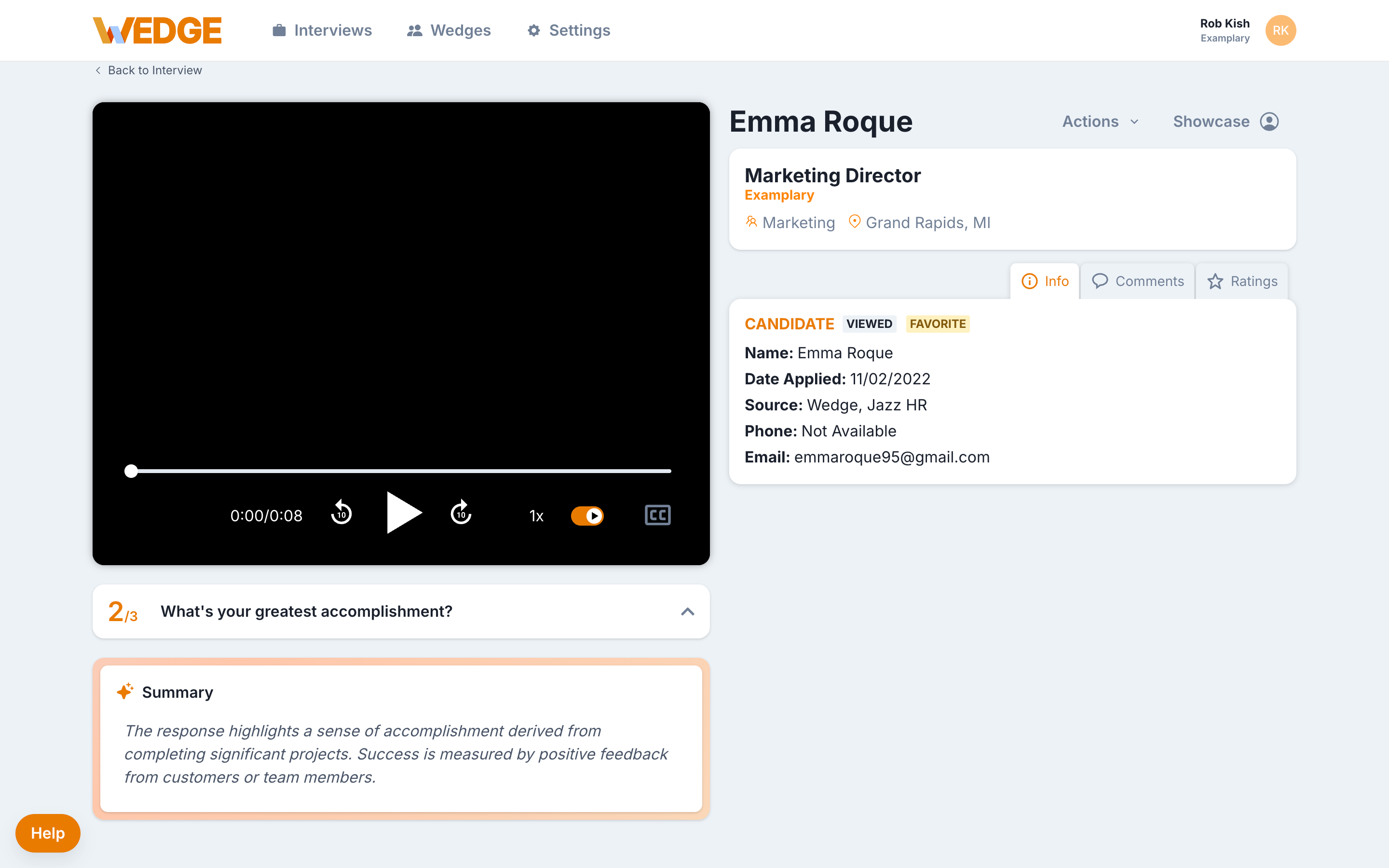
- Use AI summaries to get oriented, then watch key responses.
- Share promising candidates with a hiring manager or stakeholder.
- Leave a comment or status update on at least one candidate.
A steady review cadence keeps candidates engaged and builds trust in the process.
Day 4 to 5: Tune and improve
After seeing a few responses, make one or two small adjustments:
- Adjust question wording if candidates are misunderstanding anything.
- Update your intro or invite language for clarity.
- Save successful questions as a playlist for future interviews.
- Review your completion rate and identify any drop-off points.
Small tweaks at this stage can improve completion rates and signal quality.
Metrics worth watching
You don't need a full reporting dashboard yet. Start with four numbers that can be found on the Interview Detail page for each Interview.
Invitations - Are candidates being invited consistently, or are invites going out in bursts?
Completion - What percentage of invited candidates finish the interview? If it's low, look at interview length, question clarity, and invite timing.
Time to first review - How quickly does your team open and review completed interviews? Faster reviews keep candidates in play. Your team members can leave a comment or rating to show that they've reviewed the interview.
Time to decision - How long between a completed interview and the next stage in the hiring process? The shorter this window, the less likely you are to lose top candidates.
What success looks like
By the end of your first week:
- Candidates are completing interviews without issues
- Your team is reviewing responses within a day or two
- Stakeholders feel informed and included
- You're spending less time on phone screens and scheduling
If that's happening, Wedge is doing its job.
What comes next
Once your first week is solid, you can:
- Add more interviews for other open roles
- Bring additional team members into Wedge
- Explore Insights to track performance over time
- Dig into the Using Wedge collection for deeper guidance on specific features
Build at the pace that fits your team. There's no deadline.
Need help?
If something isn't clicking or you want to talk through your setup, reach out to the WedgeHR Customer Success team. We work with hiring teams at every stage and can help you get the most out of your first few weeks.